Share from other apps
Send photos, files, links and locations from apps that support sharing, then choose where to save them in ContactSafe.
Keep contact details alongside the notes, documents, projects and locations that give them context.
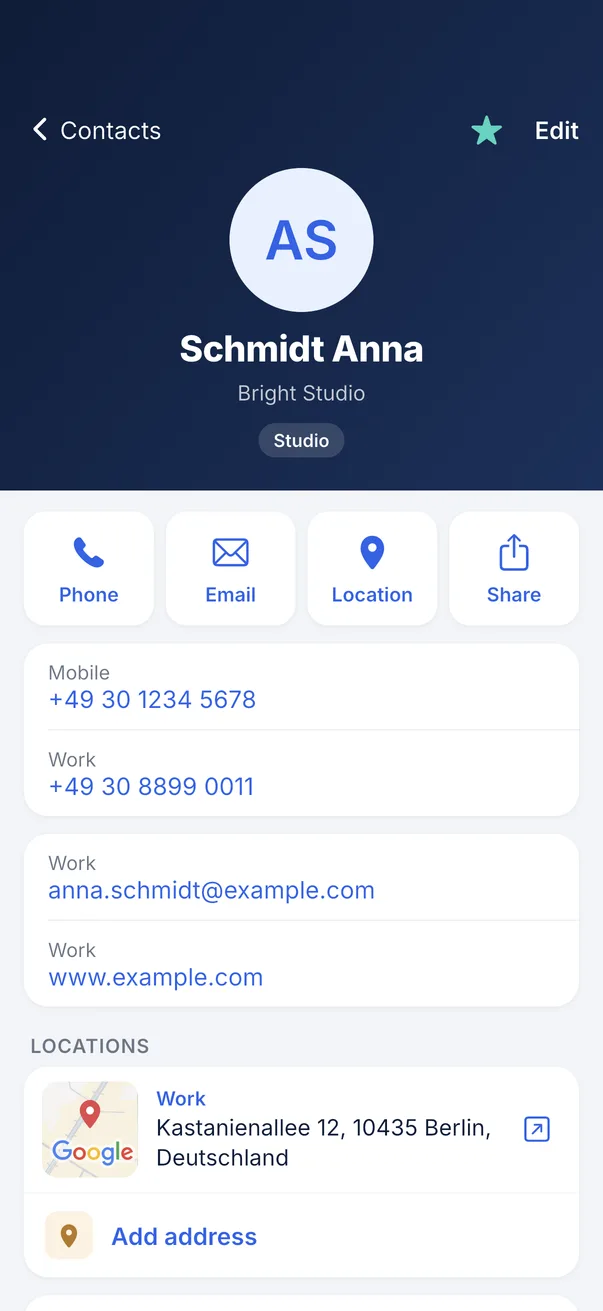
ContactSafe keeps a separate address book. Contacts you add here are not automatically added to your phone’s Contacts app or synced to an Apple or Google account.
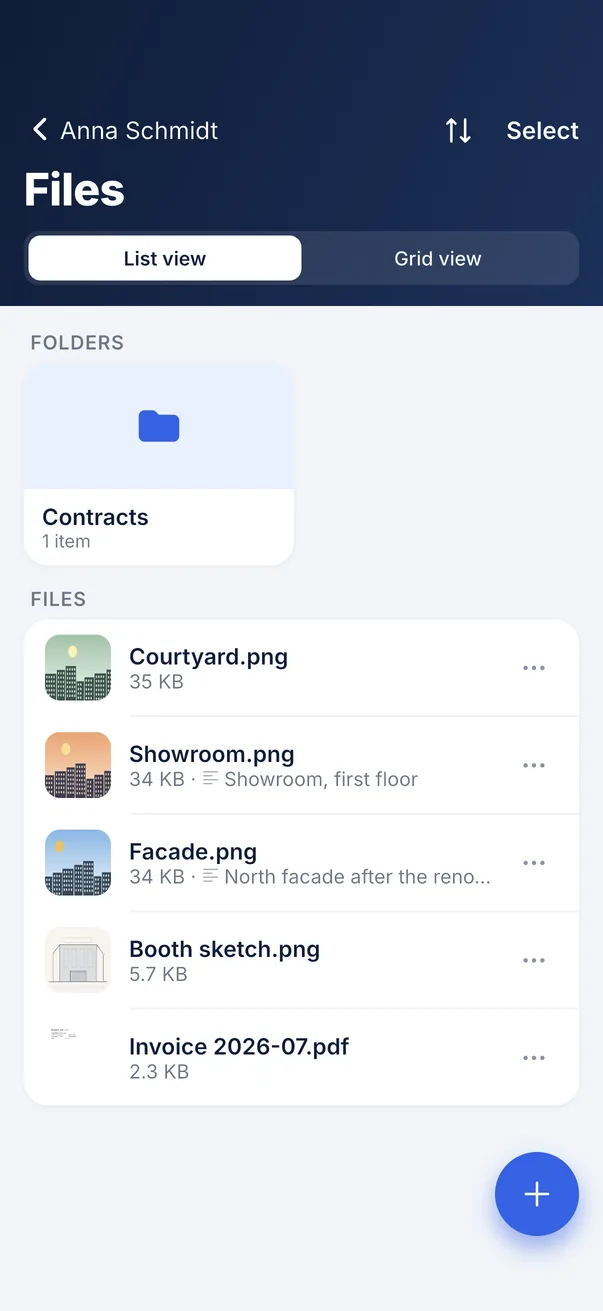
Attach photos, scans and documents to a contact, then organise them into folders.
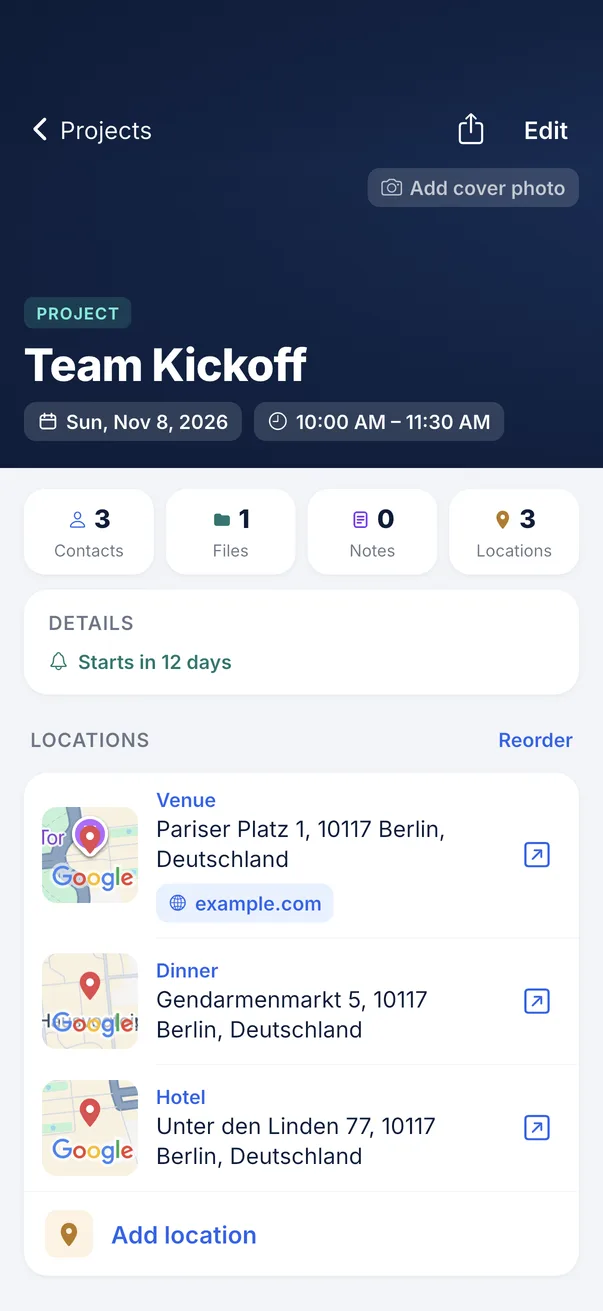
Projects hold the visits, calls and deadlines — with the people, the places and the files that belong to each one.
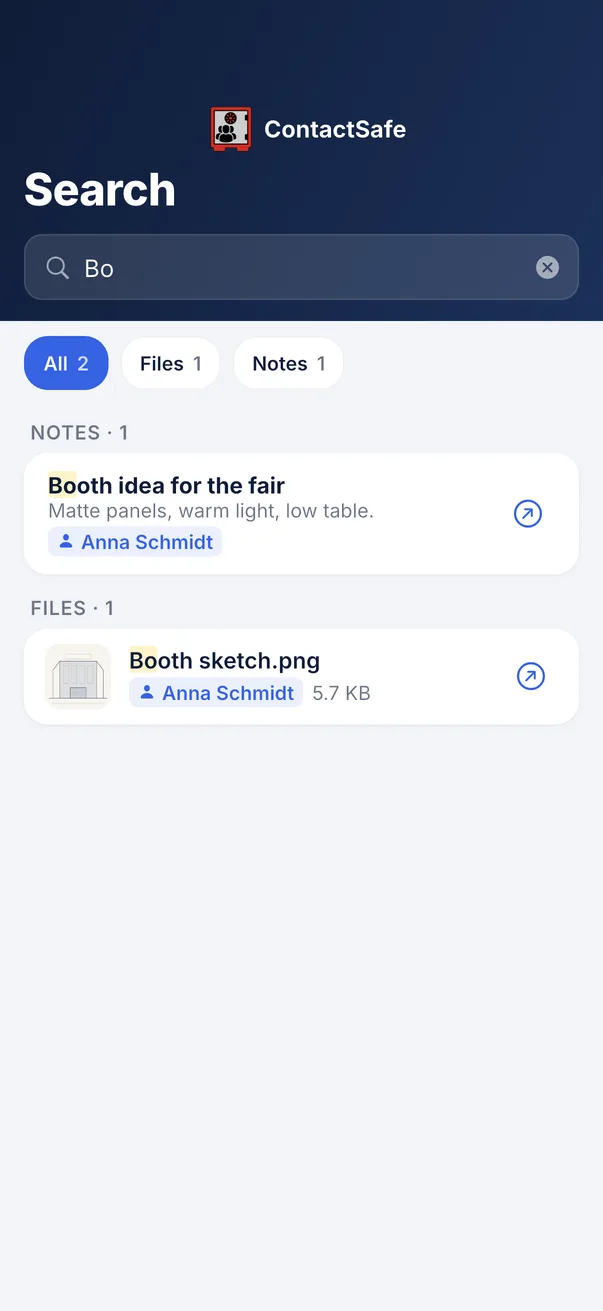
Contacts, projects, files and notes in one list — and each result shows whose it is and where it lives.
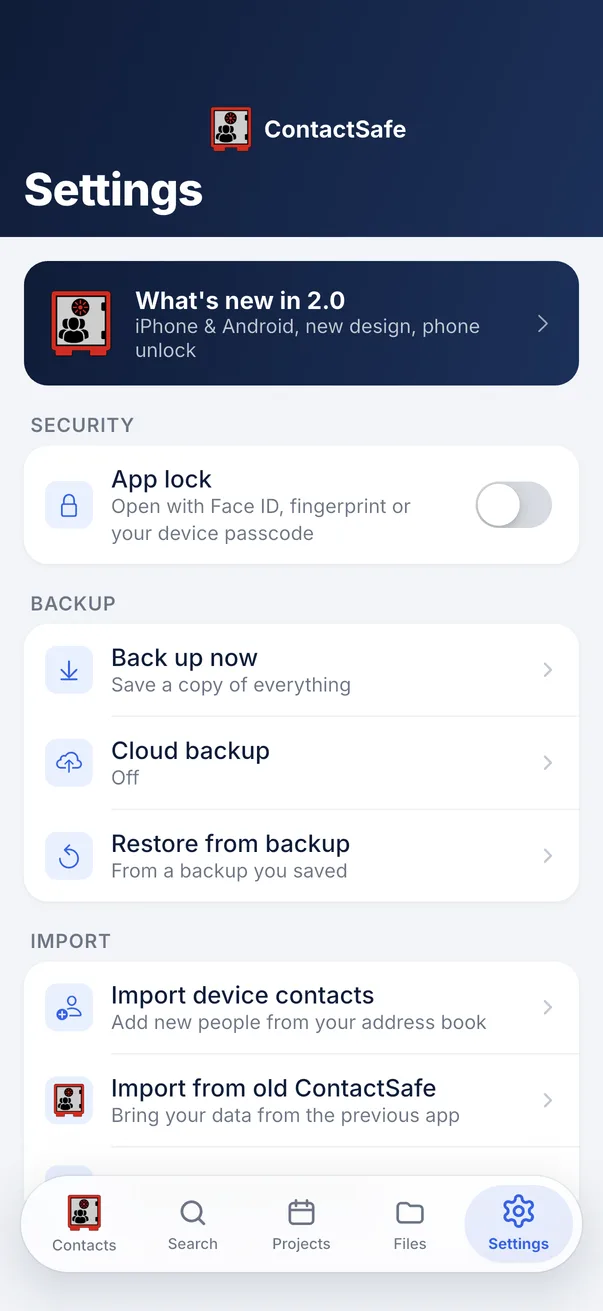
Choose a passcode or supported biometric lock and set when the app locks automatically. Save backups to a location you control.
Practical ways to manage contacts, documents and projects.
Send photos, files, links and locations from apps that support sharing, then choose where to save them in ContactSafe.
Home, office, summer house — each with its address, a map and a website.
Link files, notes, contacts and projects. A link shows on both ends.
Write a note on a contact or project, print it, or share it as a PDF.
Photos imported as original files retain existing GPS, capture time and camera metadata.
Export a contact as a .vcf file for apps that support vCard.
A single file, note or place goes at once — with five seconds to take it back.
Choose from 15 languages, including English, German and Mongolian, with light and dark themes.
Import from the phone's contacts, the old ContactSafe or a backup file.
A quick overview of how you can organise and protect your information.
| ContactSafe | |
|---|---|
| Data stored on your device | |
| No account | |
| Backup file you keep yourself | |
| Files attached to a contact | |
| Multiple named locations | |
| Projects linked to contacts | |
| Passcode & biometric lock | |
| Print a note from the app |

Free on Google Play and the App Store. No subscription, no ads, no in-app purchases.